Introduction
In today’s digital world, everything is just a few clicks away — from banking and shopping to paying bills and managing investments. Recognizing this digital transformation, the Life Insurance Corporation of India (LIC) has embraced technology to simplify the insurance experience for millions of its policyholders. The LIC App is a complete mobile solution that allows users to manage all their insurance needs in one place — whether it’s checking policy details, paying premiums, tracking claims, or downloading receipts.
This article provides a detailed guide to the LIC App, including its features, registration process, benefits, how to check your policy, how to pay premiums, and how to track claims online — all from the comfort of your smartphone.
What is the LIC App?
The LIC App is the official mobile application launched by the Life Insurance Corporation of India, one of the most trusted and oldest insurance providers in the country. The app serves as a one-stop platform for policyholders to access all LIC services without having to visit the branch office or contact agents frequently.
It is available on both Android and iOS platforms and can be downloaded from Google Play Store or Apple App Store for free.
The app is secure, easy to use, and provides complete transparency by giving real-time updates about your policy status, payment history, and claim process.
Key Features of the LIC App
Here are some of the most important features that make the LIC App a must-have for all LIC policyholders:
1. Policy Information
You can view complete details about your active and inactive policies, including:
- Policy number
- Plan and term
- Sum assured
- Premium due date
- Maturity date
- Policy status
- Bonus information
This helps policyholders keep track of their insurance portfolio easily.
2. Premium Payment
The app allows users to pay their premiums directly without visiting any branch or agent.
You can pay using:
- Debit card
- Credit card
- Net banking
- UPI (Unified Payments Interface)
- Wallets
Once payment is made, an instant digital receipt is generated for record-keeping.
3. Claim Tracking
Policyholders can track their claim status in real-time using the app.
It provides updates on:
- Claim registration
- Verification status
- Amount approved
- Expected date of disbursement
This feature removes the need to call customer care or visit the LIC office for updates.
4. Download Receipts
The app lets users download premium payment receipts and consolidated statements in PDF format.
These receipts are useful for income tax filing or personal record maintenance.
5. Policy Calendar
The LIC App includes a reminder calendar that alerts you of premium due dates, policy renewals, or loan repayments, ensuring you never miss a payment deadline.
6. Online Loan Facility
If your policy is eligible for a loan, you can apply directly through the app.
It provides:
- Loan eligibility details
- Loan interest rate
- Application status tracking
This makes the process convenient and paperless.
7. Renewal of Lapsed Policy
Through the LIC App, users can check whether their policy has lapsed and apply for renewal online, subject to LIC’s terms and conditions.
8. Branch and Agent Locator
Need to visit a branch or contact your LIC agent? The app provides an in-built branch and agent locator based on GPS. You can find the nearest office or agent with their contact information and address.
9. Bonus and Loan Eligibility Information
The app gives users detailed information about the bonus accumulated on their policy and whether they are eligible for a policy loan.
10. Secure Login
All transactions are protected through OTP verification, encryption, and secure login credentials to ensure privacy and data safety.
How to Download the LIC App
Here’s a step-by-step guide on how to download the LIC App on your mobile device:
For Android Users:
- Open Google Play Store on your smartphone.
- Search for “LIC Customer App” or “LIC of India Official App.”
- Verify the app developer as Life Insurance Corporation of India to ensure it’s the official app.
- Tap on Install.
- Once installed, open the app and proceed to registration.
For iPhone (iOS) Users:
- Open the Apple App Store.
- Search for LIC of India Official App.
- Download and install it on your device.
- Open the app and begin registration.
How to Register on the LIC App
Follow these steps to register your LIC policy on the app:
- Open the App and click on ‘New User Registration.’
- Enter your policy number, date of birth, and registered mobile number/email.
- Create a username and password.
- An OTP will be sent to your registered mobile number for verification.
- After successful verification, you will be logged into the app.
- Once logged in, add all your policy numbers to your profile to manage them in one place.
How to Check Policy Details Using the LIC App
Once you’re logged in, checking your policy details is simple:
- Tap on the ‘My Policies’ tab.
- Select the policy number you want to view.
- The screen will display complete details like:
- Policyholder name
- Plan name and number
- Policy term and premium mode
- Sum assured
- Next premium due date
- Nominee details
- Maturity date
This helps you keep an accurate track of your life insurance portfolio without visiting any branch.
How to Pay Premiums Using the LIC App
Paying premiums through the LIC App is fast, secure, and hassle-free. Follow these steps:
- Log in to the LIC App.
- Go to ‘Premium Payment’ or ‘Pay Direct.’
- Choose whether you want to pay for your own policy or someone else’s.
- Select the policy number and verify details.
- Choose your payment mode (Debit/Credit/UPI/Net Banking).
- Review the amount and click on ‘Submit.’
- Once payment is successful, a digital receipt will be generated.
- You can download or email the receipt for future use.
Note: The app supports both online and offline policies if they are linked to your account.
How to Track LIC Claims Online
One of the most useful features of the LIC App is the Claim Tracking System.
To track your claim:
- Open the LIC App.
- Go to ‘Claim Status.’
- Enter your policy number.
- The app will display the status such as:
- Claim registered
- Documents pending
- Under process
- Claim approved/disbursed
This feature adds transparency and saves time by reducing the need for physical follow-ups.
Additional Services Available on the LIC App
Apart from basic features, the LIC App offers several additional services that enhance the user experience:
1. Policy Loan Repayment
You can repay your ongoing loan through the app, either in full or partially.
2. e-Services Registration
The app is linked to LIC’s e-Services portal, allowing users to register for paperless communication, policy bonds, and electronic receipts.
3. Premium Calculator
The built-in premium calculator helps prospective buyers calculate approximate premiums for various LIC plans before purchasing a policy.
4. New Policy Information
The app provides the latest updates about LIC’s new plans, schemes, and offers with detailed brochures.
5. Customer Support
Users can raise service requests, complaints, or queries directly through the in-app customer care section.
Benefits of Using the LIC App
Using the LIC App offers several advantages to policyholders:
1. 24/7 Accessibility
You can manage your insurance anytime, anywhere, without visiting branches.
2. Paperless Transactions
From policy details to receipts, everything is digital — reducing paperwork and making record-keeping easier.
3. Time-Saving
No more waiting in queues or visiting agents for small updates; everything happens instantly through the app.
4. Secure Payments
All transactions are secured with encryption and OTP authentication.
5. Transparency
You can monitor every detail — from premium payments to claim updates — directly, eliminating dependency on third parties.
6. Multi-Policy Management
If you have multiple LIC policies, you can link and manage all of them in one account.
7. Environment-Friendly
By reducing paper use for receipts and statements, the app supports eco-friendly practices.
Tips for Safe Usage of the LIC App
- Always download the official app from the Play Store or App Store only.
- Never share your username, password, or OTP with anyone.
- Ensure your mobile number and email are updated with LIC records.
- Log out after each session, especially on shared devices.
- Avoid making payments through third-party or unofficial apps.
What If You Face Issues on the LIC App?
Sometimes users might face login issues or technical glitches. Here’s how to handle them:
- Forgot Password: Use the “Forgot Password” option and reset via OTP.
- Technical Glitches: Update the app to the latest version.
- Payment Failure: Wait for 24 hours; if not updated, contact LIC support with the payment reference number.
- Policy Not Showing: Recheck the policy number and ensure it is registered under your account.
You can also contact LIC Customer Care via:
- Email: bo_eps1@licindia.com
- Helpline: 022-6827 6827 (LIC Call Center)
- Website: www.licindia.in
Future of LIC App – Digital Innovation Ahead
LIC continues to enhance its mobile platform with new features and AI-powered services. Future updates may include:
- Chatbot-based assistance
- AI claim estimation
- Investment recommendations
- Integration with DigiLocker and UPI autopay
- Personalized dashboard insights
These advancements will make LIC’s digital ecosystem even more customer-friendly and efficient.
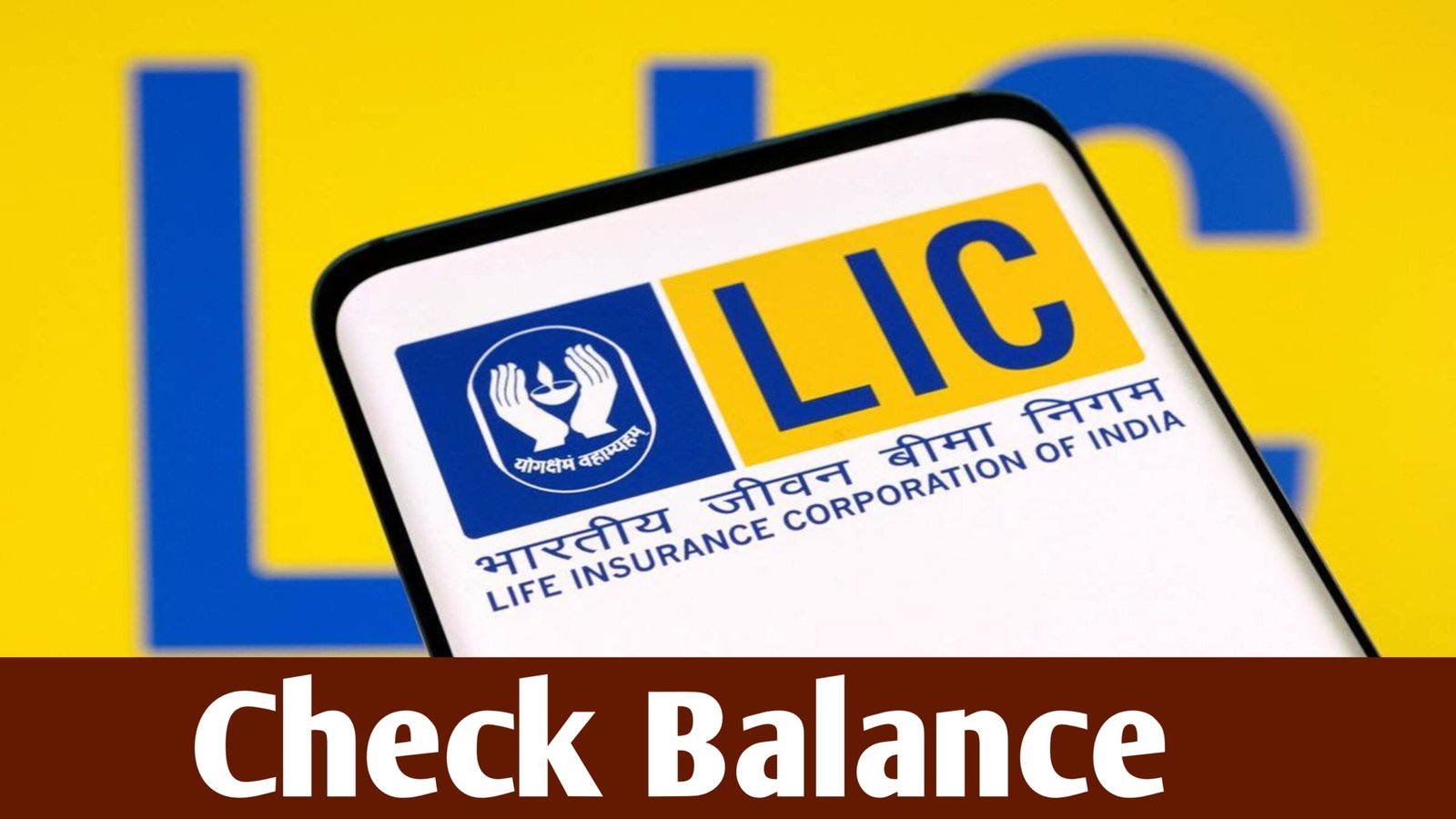
Check Balance
The LIC App has revolutionized the way policyholders interact with their insurance services. It has made life insurance management simple, accessible, and transparent — eliminating the need for physical visits or paperwork. From checking policy details and paying premiums to tracking claims and downloading receipts, the app provides everything under one roof.
For millions of LIC customers across India, this app is not just a convenience but a necessity in today’s digital age.
If you haven’t yet downloaded it, do it today and experience the power of managing your LIC policies anytime, anywhere — right from your smartphone.
- Official app by Life Insurance Corporation of India (LIC)
- Available on Android and iOS
- Features: Policy management, premium payment, claim tracking, and e-receipts
- Safe, secure, and user-friendly
- Enables 24/7 access to all LIC services