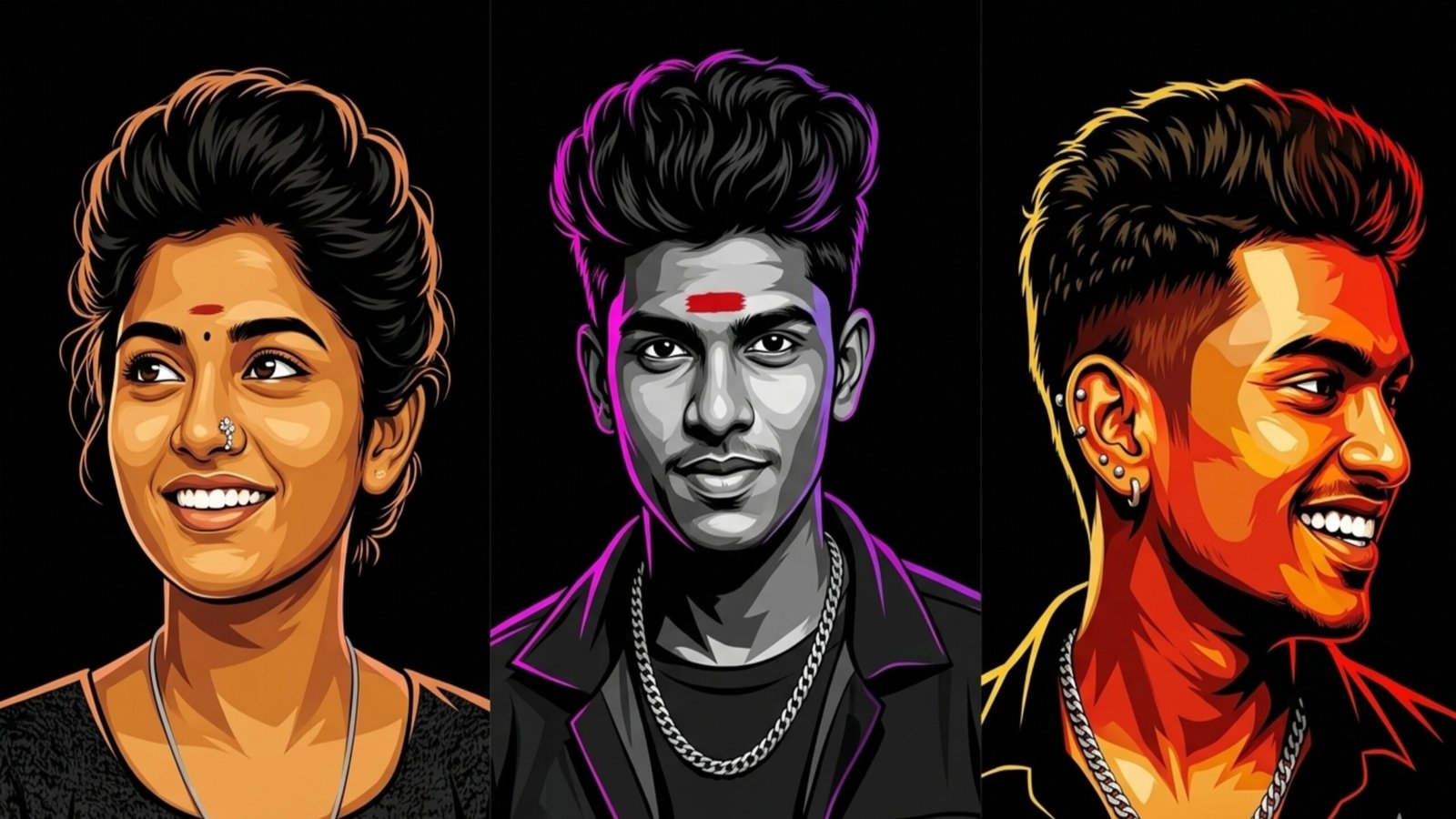
GlowForge AI Portrait Generator represents a modern approach to digital creativity, combining artificial intelligence with artistic direction to produce stunning, high-contrast portraits. This tool is especially useful for designers, content creators, and social media enthusiasts who want visually striking images without needing advanced graphic design skills.
At its core, GlowForge uses AI-powered image generation models trained on vast datasets of artwork, photography, lighting styles, and textures. These models understand how light interacts with the human face, how shadows create depth, and how contrast enhances visual drama. The result is a portrait that feels cinematic, bold, and professionally crafted.
One of the defining features of GlowForge-style portraits is high contrast lighting. This means a strong difference between bright highlights and deep shadows. It gives the image a dramatic look, often emphasizing facial features like cheekbones, jawlines, and eyes. This style is commonly seen in fashion photography and movie posters, where lighting plays a key role in storytelling.
To generate such portraits effectively, advanced AI prompts are crucial. A well-written prompt acts like instructions to the AI, guiding it on what to create. For example, instead of a simple prompt like “a woman portrait,” a more advanced version would be:
“A cinematic high-contrast portrait of an elegant woman, dramatic lighting from one side, deep shadows, glowing skin texture, ultra-realistic, 4K resolution, black background, sharp focus, editorial photography style.”
This level of detail helps the AI understand not just the subject, but also the mood, lighting, quality, and artistic direction.
Another important aspect is lighting direction. Prompts often include terms like “rim lighting,” “soft glow,” “neon highlights,” or “golden hour lighting.” These phrases influence how light appears in the image. For instance, rim lighting creates a glowing outline around the subject, while neon lighting adds a modern, cyberpunk feel.
Background selection also plays a big role. High-contrast portraits typically use minimal or blurred backgrounds to keep focus on the subject. Prompts might include phrases like “dark blurred background,” “bokeh lights,” or “studio backdrop.” This ensures the subject stands out clearly.
GlowForge-style AI portraits are also known for their ultra-realistic textures. The AI can simulate skin details, fabric textures, reflections, and even subtle imperfections, making the image feel lifelike. Including keywords like “hyper-detailed,” “photorealistic,” or “HDR quality” enhances this effect.
Additionally, compositionmatters. Many prompts specify positioning such as “centered portrait,” “face slightly turned,” or “side profile.” This helps create more dynamic and visually appealing results.
In conclusion, GlowForge AI Portrait Generator is not just about generating images—it’s about crafting visual experiences through precise and creative prompts. By combining high-contrast lighting, detailed descriptions, and artistic direction, users can produce professional-grade digital portraits effortlessly. As AI continues to evolve, tools like this are making high-end digital art more accessible to everyone, transforming imagination into reality with just a few words.