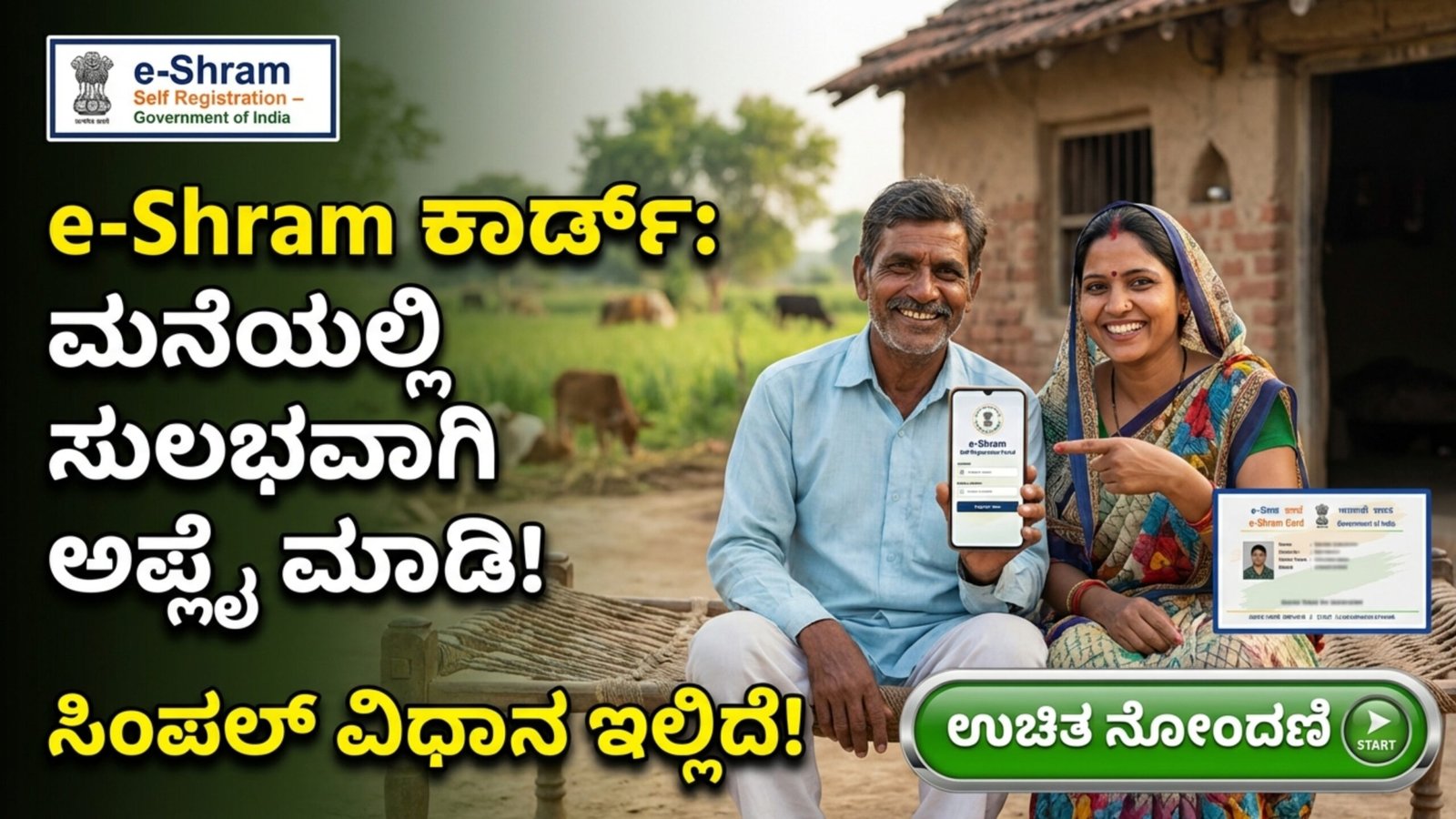
The Government of India has made the e-Shram Card registration process simple and fully online, allowing workers from the unorganized sector to apply directly from their homes using a mobile phone. The official e-Shram portal is now available in 22 regional languages, including Kannada, Hindi, Telugu, Tamil, and more, making it accessible to workers across the country.
If you are a daily wage worker, street vendor, agricultural laborer, driver, construction worker, or self-employed worker in the unorganized sector, this guide will help you understand the complete registration process in simple steps.
What is the e-Shram Card?
The e-Shram Card is a government-issued identification card introduced by the Ministry of Labour and Employment. It is designed to create a national database of unorganized workers and provide them with access to various social security schemes and welfare benefits.
Once registered, workers receive a 12-digit Universal Account Number (UAN), which remains valid throughout their lifetime.
Who Can Apply for e-Shram Card?
Before applying, make sure you meet the eligibility criteria.
Age Limit
- Applicants must be between 16 and 59 years of age.
Employment Category
- Must belong to the unorganized sector.
- Examples include:
- Agricultural workers
- Construction workers
- Domestic helpers
- Street vendors
- Auto drivers
- Small shop workers
- Tailors
- Carpenters
- Fishermen
- Rickshaw pullers
- Migrant workers
Other Conditions
- Should not be an Income Tax payer.
- Should not be registered under EPFO (Employees’ Provident Fund Organisation).
- Should not be registered under ESIC (Employees’ State Insurance Corporation).
If you satisfy these conditions, you are eligible to apply.
Documents Required for Registration
Keep the following documents ready before starting the online process:
- Aadhaar Card
- Mobile number linked with Aadhaar (mandatory for OTP verification)
- Bank account details
- Account number
- IFSC Code
- (Optional) Email ID
Make sure your Aadhaar-linked mobile number is active because OTP verification is required at multiple stages.
How to Apply for e-Shram Card Online Using Mobile
You do not need to visit any government office. Follow these simple steps:
Step 1: Visit the Official Portal
Open your mobile browser (Google Chrome, Edge, or any browser) and type:
On the homepage, click on the option:
“Register on e-Shram”
Step 2: Choose Your Preferred Language
At the top of the website, you will see a language selection option.
Select your preferred language such as:
- Kannada
- Hindi
- Telugu
- Tamil
- English
This makes the application process easier and more understandable.
Step 3: Enter Mobile Number and OTP Verification
Under the Self-Registration section:
- Enter your Aadhaar-linked mobile number.
- Fill in the Captcha code displayed on the screen.
- Click on “Send OTP.”
- Enter the OTP received on your mobile.
- Click “Submit.”
Step 4: Aadhaar Verification
Next, you will be asked to verify your Aadhaar details.
- Enter your 12-digit Aadhaar number.
- Select OTP verification.
- Tick the declaration checkbox.
- Click “Submit.”
- Enter the OTP sent to your Aadhaar-linked mobile number.
After successful verification, your basic details such as name, date of birth, and gender will be automatically fetched from the Aadhaar database.
Step 5: Fill Personal Information
Now you must complete the remaining sections carefully.
Personal Details
- Father’s / Husband’s name
- Social category (General / OBC / SC / ST)
- Marital status
- Disability status (if applicable)
Address Details
- Current residential address
- Permanent address
- State and district
Educational Qualification
- Highest level of education completed
- Monthly income range
Occupation Details
Select the type of work you are engaged in. For example:
- Driver
- Carpenter
- Construction worker
- Agricultural labourer
- Street vendor
- Domestic worker
Choose the most appropriate category from the list.
Bank Account Details
- Bank account number
- IFSC Code
- Bank name
These details are necessary for receiving future government benefits through Direct Benefit Transfer (DBT).
Step 6: Review and Final Submission
Before final submission:
- Check all entered details carefully in the Preview section.
- Make sure there are no spelling errors.
- Confirm that your bank account number is correct.
- Accept the Self-Declaration.
Click on “Submit” to complete your registration.
Step 7: Download e-Shram Card
After successful submission:
- A 12-digit Universal Account Number (UAN) will be generated.
- Your e-Shram Card will appear on the screen.
- Click on “Download UAN Card.”
- Save it as a PDF or take a printout.
Your registration process is now complete.
Benefits of e-Shram Card
Registered workers may receive various benefits under government welfare schemes, including:
- Accidental insurance coverage
- Social security benefits
- Financial assistance during emergencies
- Access to central and state government welfare schemes
- Future pension scheme benefits (if introduced)
The government uses this database to design new schemes specifically for unorganized workers.
Important Points to Remember
- Registration is completely free.
- Do not pay money to any agent for registration.
- Ensure your mobile number is linked with Aadhaar.
- Enter correct bank details to avoid payment issues.
- The UAN number remains valid for a lifetime.
Important Links
- Apply Online for e-Shram Card: https://eshram.gov.in
- Official Website: Click Here
The e-Shram Card is an important initiative for workers in the unorganized sector. With the online registration facility, you can now apply easily from your mobile without visiting any office. The entire process takes only a few minutes if your Aadhaar-linked mobile number is active and your documents are ready.
If you are eligible, complete your registration today and secure your access to government welfare benefits.