Introduction
In India, most leading banks now allow customers to check account balance, mini statement, and recent transactions directly through WhatsApp.
You don’t need to install any special app — just save your bank’s official WhatsApp number, send a message, and you’ll get your balance instantly.
Step-by-Step: How to Check Bank Balance on WhatsApp
Step 1: Save Your Bank’s Official WhatsApp Number
Each bank has its own verified WhatsApp banking number. Save it in your contact list.
Here are the official numbers for popular banks (as of 2025):
| Bank Name | WhatsApp Number |
|---|---|
| State Bank of India (SBI) | 90226 90226 |
| HDFC Bank | 70700 22222 |
| ICICI Bank | 86400 86400 |
| Axis Bank | 70361 36135 |
| Punjab National Bank (PNB) | 92640 92640 |
| Bank of Baroda (BoB) | 84338 88777 |
| Canara Bank | 90155 23232 |
| Union Bank of India | 96666 01960 |
| IDFC First Bank | 95555 55555 |
| Kotak Mahindra Bank | 022 6600 6022 |
| Yes Bank | 82912 31212 |
| RBL Bank | 84335 94444 |
Tip: Always check for the green verified tick (✔️) next to the bank name in WhatsApp to ensure it’s genuine.
Step 2: Open WhatsApp and Start Chat
Open WhatsApp → Search for the bank contact you saved → Tap on it to open chat.
Then type a simple message like:
- “Hi”
- “Balance”
- “Check account balance”
Within seconds, the official bank bot will reply with options like:
- Account Balance
- Mini Statement
- Apply for Loan / Credit Card
- Locate Branch / ATM
Step 3: Verify Your Account (If First Time)
If you’re using the service for the first time, the bank might ask you to:
- Enter the last 4 digits of your registered account number, or
- Confirm your registered mobile number (linked to your bank account).
Once verified, the bank will automatically show your available balance.
Step 4: Get Instant Bank Balance
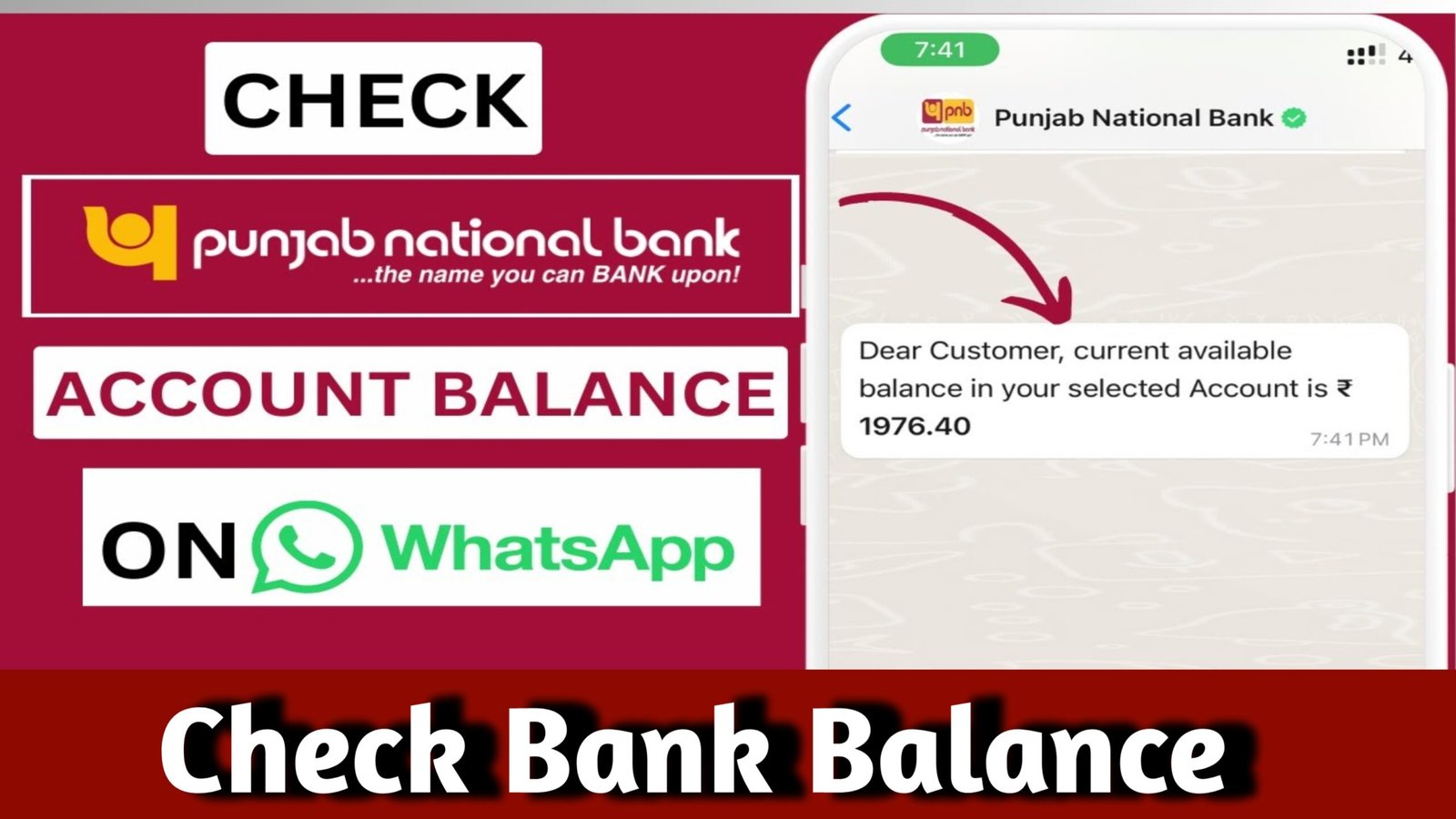
After verification, you’ll see your available account balance displayed right inside WhatsApp chat — simple, secure, and instant.
Example message you’ll receive:
“Dear Customer, your account ending with 1234 has an available balance of ₹24,532.56.”
Step 5: Get Mini Statement or Transaction Details
You can also type:
- “Mini statement” → to view the last 5 transactions
- “Recent transactions” → to view the latest credits/debits
- “Block card” → to block debit/credit card instantly
- “Locate ATM” → to find nearest ATM/branch
Security Tips for WhatsApp Banking
- Always use the official verified number (check blue/green tick).
- Never share your PIN, OTP, or Password in WhatsApp chat.
- WhatsApp banking works only with your registered mobile number.
- If you lose your phone, inform your bank immediately to deactivate WhatsApp banking.
- Bank messages come from automated chatbots, not from human agents.
Advantages of Checking Bank Balance via WhatsApp
| Feature | Benefit |
|---|---|
| 24×7 Access | Works anytime, even on holidays |
| Instant Response | Balance shows up within seconds |
| Free Service | No SMS charge or app installation |
| Simple Chat Interface | Easy even for non-tech users |
| Mini Statement Access | See recent transactions instantly |
| Safe and Secure | Works only with registered number |
Example: Checking Balance in SBI WhatsApp Banking
- Save number 90226 90226
- Open WhatsApp → Type “Hi”
- Select “Check Account Balance”
- Instantly get your available balance message
You can also type “Mini Statement” or “Block ATM Card” for other services.
Pro Tip
If you have multiple accounts (savings + current), the chatbot will ask you to choose which one to check.
You can also link more than one account from the same mobile number for convenience.
Final Summary
- Save your bank’s official WhatsApp number.
- Send “Hi” or “Balance.”
- Verify your mobile/account number.
- Instantly view your balance and last transactions.
- Works on all major banks — Free, Fast & Secure!
Example (for SBI)
WhatsApp Number: 90226 90226
Message: “Hi”
Service: Check Balance, Mini Statement, ATM Locator, and more.