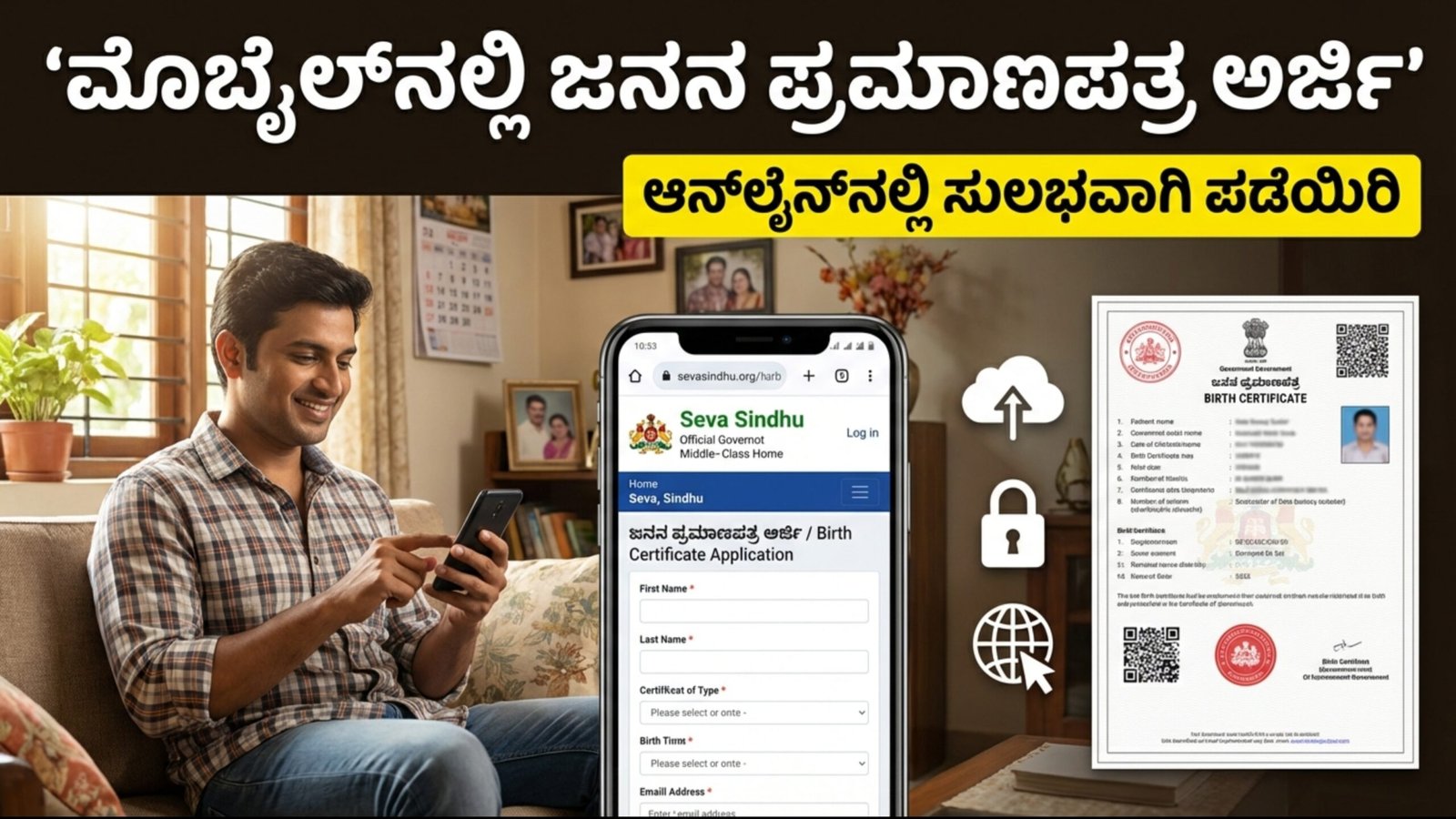
You can apply for a Birth Certificate online using your mobile phone. In Karnataka, this service is mainly available through the Seva Sindhu portal or the e-Janma portal. Below are the complete step-by-step details.
Required Documents
- Identity proof of parents (Aadhaar Card, Voter ID, etc.)
- Hospital discharge summary or Birth Report issued by the hospital
- Address proof of parents
- Active mobile number of the applicant
How to Apply for Birth Certificate Online (Mobile Method)
Step 1: Visit Seva Sindhu Portal
Open your mobile browser and go to the official Seva Sindhu website.
Step 2: Registration
If you are a new user, click on “New User? Register Here” and complete registration using Aadhaar. After registration, log in using your mobile/email ID and OTP.
Step 3: Select the Service
After login, click on “Apply for Services”. In the search box, type “Birth Certificate”. Select “Application for Birth Certificate” from the list.
Step 4: Fill in the Details
Enter the required details carefully:
- Child’s name (if available)
- Date of birth
- Gender
- Parents’ details
- Place of birth (Hospital or Home)
Step 5: Upload Documents
Upload scanned copies (Photo or PDF) of all required documents.
Step 6: Pay Fee and Submit
If applicable, pay the required fee using UPI, Net Banking, or Online Payment. Finally, click “Submit”.
You will receive an Acknowledgment Number—save it for future reference.
Important Points to Note
- Time Limit: If the hospital has registered the birth in the e-Janma portal within 21 days, the certificate can be obtained easily.
- Delayed Application: If applying after 21 days, approval from the District Statistical Officer or penalty payment may be required.
- e-Janma Portal: You can also use the e-Janma website to check status or download the Birth Certificate.
Important Links
- Apply Online: Click Here
- Official Website: Click Here