Introduction
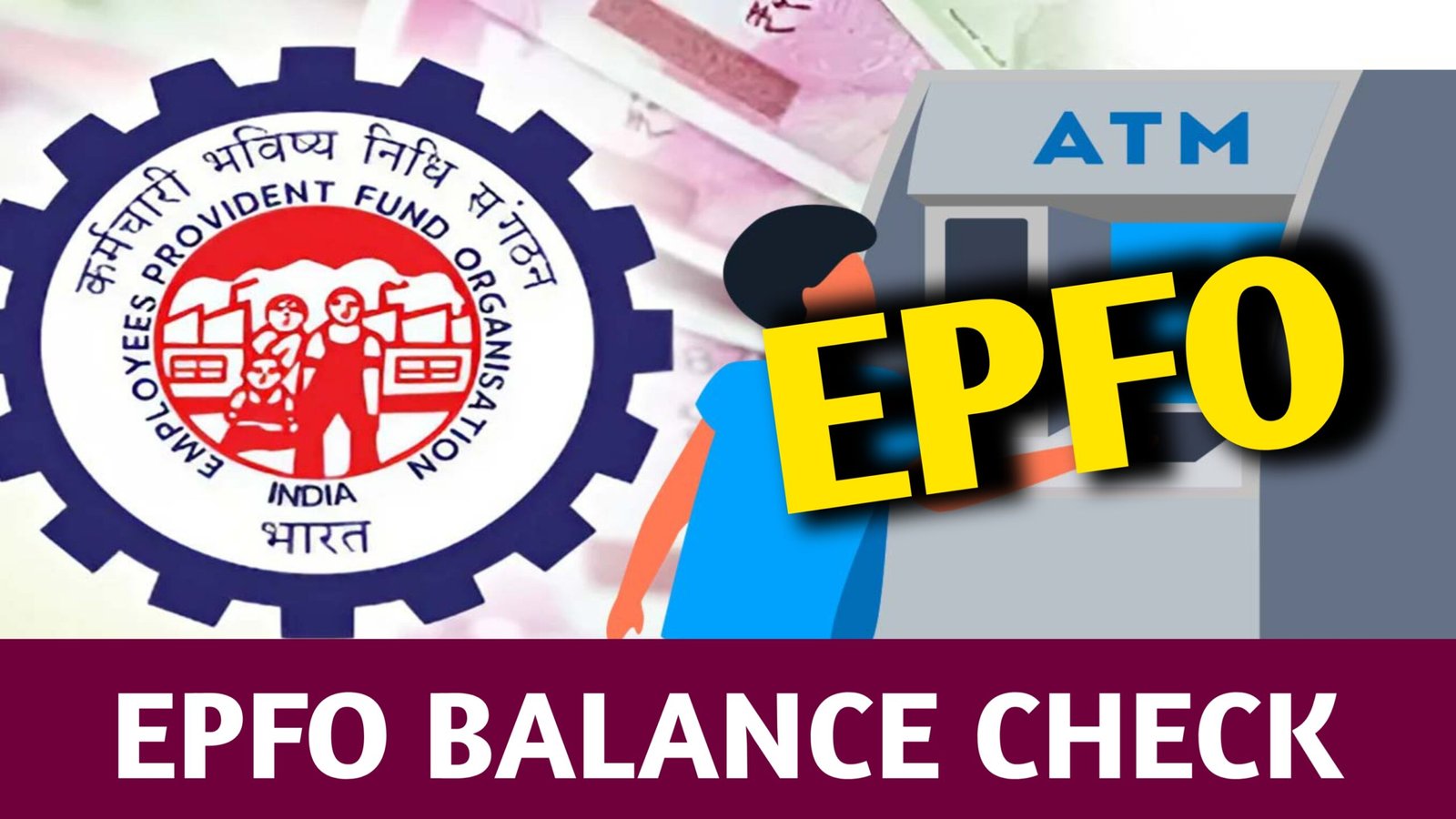
In today’s modern world, financial security is one of the most crucial aspects of an individual’s life. Among various government initiatives in India that ensure long-term financial stability, the Employees’ Provident Fund (EPF) plays a leading role. Managed by the Employees’ Provident Fund Organisation (EPFO), this savings scheme helps millions of salaried employees build a substantial retirement corpus while earning attractive interest over time.
Checking your EPF balance regularly helps you stay informed about your savings and verify whether your employer has been contributing correctly. Fortunately, with the introduction of the UAN (Universal Account Number) system, checking your EPF balance has become extremely easy. You can now check it online, through an app, by SMS, or even by giving a missed call.
This article will explain, in detail, everything you need to know about checking your EPFO balance — including what EPF and UAN are, how to activate them, all available balance check methods, the interest rate for 2025, withdrawal rules, and much more. Let’s dive deep into this step-by-step guide.
What is EPFO?
The Employees’ Provident Fund Organisation (EPFO) is a statutory body established under the Employees’ Provident Fund and Miscellaneous Provisions Act, 1952. It operates under the Ministry of Labour and Employment, Government of India. The organization manages three important schemes for employees:
- Employees’ Provident Fund (EPF)
- Employees’ Pension Scheme (EPS)
- Employees’ Deposit Linked Insurance Scheme (EDLI)
EPFO’s primary goal is to promote the habit of saving among employees working in the organized sector. Every month, a portion of the employee’s salary is deducted and deposited into their EPF account along with a matching contribution from the employer. This continuous contribution helps employees accumulate wealth for retirement, emergencies, or major life events.
Understanding the EPF Scheme
The Employees’ Provident Fund (EPF) is a retirement savings scheme that ensures employees have financial protection after retirement. It is mandatory for organizations with 20 or more employees to register under EPFO.
Contribution Structure
- Employee’s Contribution: 12% of basic salary + dearness allowance (DA)
- Employer’s Contribution: 12% of basic salary + DA
- 8.33% of employer’s share goes to EPS (Pension)
- 3.67% goes to EPF account
Example
Let’s assume your monthly basic salary + DA = ₹25,000.
- Your contribution: ₹3,000 (12%)
- Employer contribution: ₹3,000 (12%)
- ₹2,083 goes to EPS
- ₹917 goes to EPF
Total contribution per month: ₹6,000
This amount grows every month with interest, helping you accumulate a significant retirement corpus over time.
What is UAN and Why is it Important?
The Universal Account Number (UAN) is a 12-digit number assigned by EPFO to every employee contributing to the Provident Fund. It serves as a permanent identity that remains the same throughout your career, even if you change jobs or organizations.
Before the introduction of UAN, employees received a new PF account number every time they switched jobs, making it difficult to track contributions. UAN solves this problem by linking all your PF accounts under one umbrella, ensuring easy tracking and transfers.
Key Benefits of UAN
- Single ID for Life: One UAN remains valid across all employers.
- Easy Online Access: Employees can check PF balance, passbook, and status anytime.
- Transparency: Track whether your employer is depositing monthly contributions.
- Faster Transfers: PF transfer between employers becomes instant and paperless.
- SMS Alerts: Monthly contribution details sent directly to your registered mobile.
- No Need for Employer Approval: Online withdrawal or claim without manual intervention.
UAN has completely transformed how employees manage their PF accounts — making it simple, transparent, and user-friendly.
Why Checking Your EPF Balance Matters
Regularly checking your EPF balance gives you multiple advantages:
- Track Employer Contributions:
You can confirm if your employer is depositing the correct amount each month. - Financial Planning:
Knowing your PF balance helps you estimate your total savings for retirement. - Loan Eligibility:
Some banks and financial institutions consider your EPF balance as part of your asset verification for loans. - Tax Calculation:
Helps you plan your investments better to avail benefits under Section 80C of the Income Tax Act. - Withdrawal Decisions:
Knowing your balance allows you to make informed decisions about partial or full withdrawals during emergencies. - Transparency:
You can easily monitor interest credited and contributions made.
By keeping track of your EPF, you ensure your hard-earned savings are growing safely and correctly.
Different Ways to Check EPF Balance
There are several convenient ways to check your EPF balance — both online and offline. You can choose whichever method suits you best.
1. EPFO Member Portal (Online Method)
This is the most comprehensive way to check your EPF balance, view your passbook, and download statements.
Steps to Check Balance:
- Visit the official EPFO website:
https://www.epfindia.gov.in - Click on “Our Services” → “For Employees.”
- Under the Services section, click “Member Passbook.”
- You’ll be redirected to the EPFO Member Passbook portal:
https://passbook.epfindia.gov.in/MemberPassBook/Login - Log in with your UAN and password (registered on UAN portal).
- Select your Member ID (if you’ve had multiple jobs, each will have a separate ID).
- Once selected, your EPF passbook will open.
Your Passbook Displays:
- Monthly employee and employer contributions
- Interest earned
- EPS contribution
- Total balance accumulated
You can download or print your passbook anytime.
2. EPF Balance Check through UMANG App
The UMANG App (Unified Mobile Application for New-Age Governance) is a government mobile app offering access to various services — including EPFO.
Steps to Check EPF Balance via UMANG App:
- Download UMANG App from Google Play Store or Apple App Store.
- Open and register using your mobile number.
- On the home screen, search for “EPFO.”
- Tap on Employee Centric Services.
- Select “View Passbook.”
- Enter your UAN and verify with an OTP sent to your registered number.
- Your EPF passbook with detailed balance will appear on the screen.
Benefits of UMANG App:
- User-friendly and official government app
- Secure login via OTP
- Check balance, claim status, and KYC updates
- Works in English and regional languages
- Available 24×7 with no charges
3. EPF Balance Check via SMS
If you do not have internet access, you can check your EPF balance through a simple SMS. Your mobile number must be linked to your UAN for this to work.
SMS Format:
EPFOHO UAN ENG
Send to: 7738299899
Here:
- “EPFOHO” is the keyword
- “UAN” is your 12-digit number
- “ENG” is your language preference (English)
You can also receive information in other languages:
| Language | Code |
|---|---|
| English | ENG |
| Hindi | HIN |
| Tamil | TAM |
| Telugu | TEL |
| Malayalam | MAL |
| Bengali | BEN |
| Marathi | MAR |
| Gujarati | GUJ |
| Punjabi | PUN |
Example:
EPFOHO 123456789012 ENG
You’ll Receive an SMS Showing:
- Member’s name
- UAN
- Latest PF contribution
- Employer and employee share
- Total available balance
4. EPF Balance Check by Missed Call
Another simple offline method is to give a missed call to the EPFO toll-free number.
Steps:
- Dial 9966044425 from your registered mobile number.
- The call will disconnect automatically after two rings.
- You’ll receive an SMS showing your latest PF balance and last contribution.
Preconditions:
- UAN should be activated.
- Mobile number must be linked with your UAN.
- Aadhaar, PAN, and bank account must be seeded with UAN.
This is a free-of-cost and instant method.
5. Checking Balance via EPFO Mobile Website
You can also use EPFO’s mobile-optimized website if you prefer not to install any app.
Steps:
- Open browser and go to: https://www.epfindia.gov.in
- Click on “Know Your PF Balance.”
- Enter your UAN, mobile number, and captcha.
- Verify using OTP.
- Your balance details will appear instantly.
This method works on both smartphones and desktops.
How to Activate Your UAN
If you haven’t activated your UAN yet, here’s the process:
Steps to Activate UAN:
- Visit: https://unifiedportal-mem.epfindia.gov.in/memberinterface/
- Click “Activate UAN.”
- Enter:
- UAN
- Member ID
- Aadhaar or PAN
- Date of Birth
- Mobile Number
- Click “Get Authorization PIN.”
- Enter the OTP received on your mobile.
- Set a password and activate your UAN.
You can now log in anytime to the Member e-Sewa Portal and access your PF details.
EPF Interest Rate for 2024–2025
The EPF interest rate for the financial year 2024–25 is 8.25%.
This rate is decided annually by the Central Board of Trustees (CBT) of EPFO and approved by the Ministry of Finance.
How Interest is Calculated:
- Interest is calculated monthly on the running balance.
- It is credited to your account at the end of the financial year.
- Even if you’re not contributing (after leaving a job), your balance continues to earn interest for up to 36 months.
Components of Your EPF Passbook
Your EPF passbook gives a clear snapshot of your savings. It includes:
| Component | Description |
|---|---|
| Opening Balance | Balance carried forward from previous year |
| Employee Share | Your monthly contributions |
| Employer Share | Employer’s monthly contribution |
| Pension Contribution | Portion transferred to EPS |
| Interest Earned | Interest credited annually |
| Total Balance | Total sum available in your EPF account |
Sample Illustration
Let’s assume your total EPF balance is ₹4,00,000.
- Employee Share: ₹2,00,000
- Employer Share: ₹1,50,000
- Interest: ₹50,000
You can view all this data directly in your passbook through any method listed above.
Transferring EPF Balance When Changing Jobs
If you change your job, your PF balance doesn’t get automatically transferred. You can initiate the transfer easily through the EPFO online portal.
Steps to Transfer:
- Log in to EPFO Member Portal.
- Go to Online Services → One Member – One EPF Account (Transfer Request).
- Verify your details and select your previous employer.
- Submit your request online.
- Your current or previous employer will digitally verify it.
- Track your transfer status in “Track Claim Status.”
This ensures all your old PF accounts are merged under your single UAN, making tracking simpler.
EPF Withdrawal and Loan Rules
You can withdraw funds from your EPF account under certain conditions. There are two main types of withdrawals:
| Type | Eligibility | Purpose |
|---|---|---|
| Partial Withdrawal | After 5 years of service | Marriage, education, medical treatment, home loan repayment |
| Full Withdrawal | After retirement or 2 months of unemployment | Complete withdrawal of EPF + EPS balance |
| Advance PF Loan | Anytime under specific conditions | Medical emergency, house renovation, etc. |
Withdrawal Process:
- Log in to the UAN Member Portal.
- Click Online Services → Claim (Form-31, 19 & 10C).
- Verify KYC details.
- Choose the claim type (full, partial, or pension).
- Submit the form digitally.
Your claim is usually settled within 10–15 working days.
Tax Benefits on EPF
EPF offers triple tax benefits (EEE) under Indian income tax laws:
- Exempt at the time of Contribution:
Employee contributions up to ₹1.5 lakh qualify for deduction under Section 80C. - Exempt on Interest:
Interest earned on EPF is tax-free, provided your contribution doesn’t exceed limits. - Exempt on Withdrawal:
Withdrawals after 5 years of continuous service are completely tax-exempt.
Common Issues While Checking EPF Balance
| Problem | Possible Cause | Solution |
|---|---|---|
| UAN not activated | Not registered on EPFO portal | Activate through official website |
| Wrong password | Typo or expired password | Use “Forgot Password” to reset |
| Mobile not linked | Using non-registered number | Update KYC and mobile number |
| Passbook not visible | Recent contributions not updated | Wait for employer’s monthly upload |
| No OTP received | Network issue | Retry after a few minutes |
Always ensure your KYC details (Aadhaar, PAN, bank account) are verified to avoid login or claim issues.
Safety and Security Tips for EPFO Users
- Access EPFO only from the official website.
- Do not share your UAN password or OTP.
- Keep your contact details updated.
- Change passwords regularly.
- Verify every SMS received from EPFO to detect unauthorized changes.
- Never trust third-party websites asking for login details.
Key Advantages of EPF for Employees
- Long-Term Savings: Encourages disciplined financial habits.
- Employer Matching Contribution: Your savings double every month.
- Attractive Interest Rate: Higher than most fixed deposits.
- Pension Support: EPS ensures monthly income after retirement.
- Insurance Protection: EDLI provides life insurance coverage to members.
- Tax-Free Growth: Full exemption under EEE framework.
- Easy Withdrawals and Loans: Online application process with quick approval.
EPF is not just a saving tool—it’s a comprehensive financial safety net.
Frequently Asked Questions (FAQs)
1. Can I check my EPF balance without a UAN?
No, UAN is mandatory to access your EPF details. You can request your employer to share your UAN if you don’t have it.
2. How often should I check my EPF balance?
It’s advisable to check once every month to ensure your employer’s contribution is up-to-date.
3. What if I forgot my UAN password?
Go to the EPFO portal → click “Forgot Password” → enter UAN → verify via OTP → reset password.
4. Can I have more than one UAN?
No. If you’ve been issued multiple UANs by mistake, contact EPFO to merge them.
5. Is there any charge for checking EPF balance by SMS or missed call?
No, EPFO’s SMS and missed call services are completely free.
How EPFO Supports Digital India
EPFO has completely digitized its operations in line with the Digital India mission. All major services like registration, contribution tracking, passbook download, KYC update, and withdrawals are now online. This digital ecosystem has made the process faster, paperless, and more transparent.
- 24/7 Access: Check balance anytime.
- Paperless Transfers: No physical forms required.
- Instant Notifications: Get SMS alerts for every deposit.
- Mobile Integration: Seamless use through UMANG app.
This modernization ensures every employee can control and monitor their retirement savings with ease.
Application Link
The EPFO Balance Check system has evolved from a time-consuming manual process to an instant digital service. With just your UAN number, you can now track your savings, contributions, and interest anytime — through the website, UMANG app, SMS, or a simple missed call.
The EPF scheme not only ensures financial security but also instills disciplined saving habits. By regularly checking your balance, you stay informed, detect discrepancies early, and make better financial decisions.
So, if you haven’t already, activate your UAN today, link your KYC, and start tracking your EPF balance. Your retirement dreams begin with the savings you monitor today!
Official Links for Quick Access
- EPFO Home: https://www.epfindia.gov.in
- UAN Portal: https://unifiedportal-mem.epfindia.gov.in
- UMANG App: https://web.umang.gov.in